



Event Description
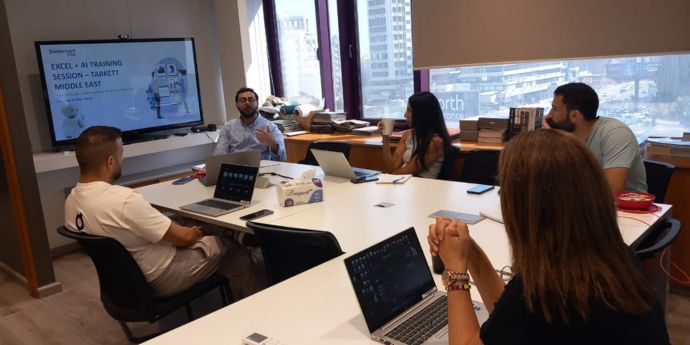
This is a 10-hour project-based Workshop designed for students who want a practical, hands-on, and highly engaging approach to learning Power BI Desktop for business intelligence.
Introducing Power BI Desktop
Installing Power BI Desktop, exploring the Power
BI workflow, comparing Power BI with Excel, etc.
Connecting & Shaping Data
Connecting to data, shaping & transforming
tables, using profiling tools, editing, merging & appending queries,
Creating a Data Model
Building relational models, creating tables, relationships,
understanding cardinality and filter flow, etc.
Calculating Measures with DAX
Understanding DAX syntax, adding calculated columns
and measures, writing common formulas and functions, etc.
Visualizing Data with Dashboards
Inserting charts and visuals, customizing formats,
editing interactions, applying filters and bookmarks, etc.
Optimizing Power BI Performance
Exploring common Power BI optimization tools within the Optimize
and External tools menus